What the app does, screen by screen, and what it leaves to you.
Before you pay to grade
Version 1.9 adds tools for the decision that costs money: is this card worth sending in?
New in version 1.9
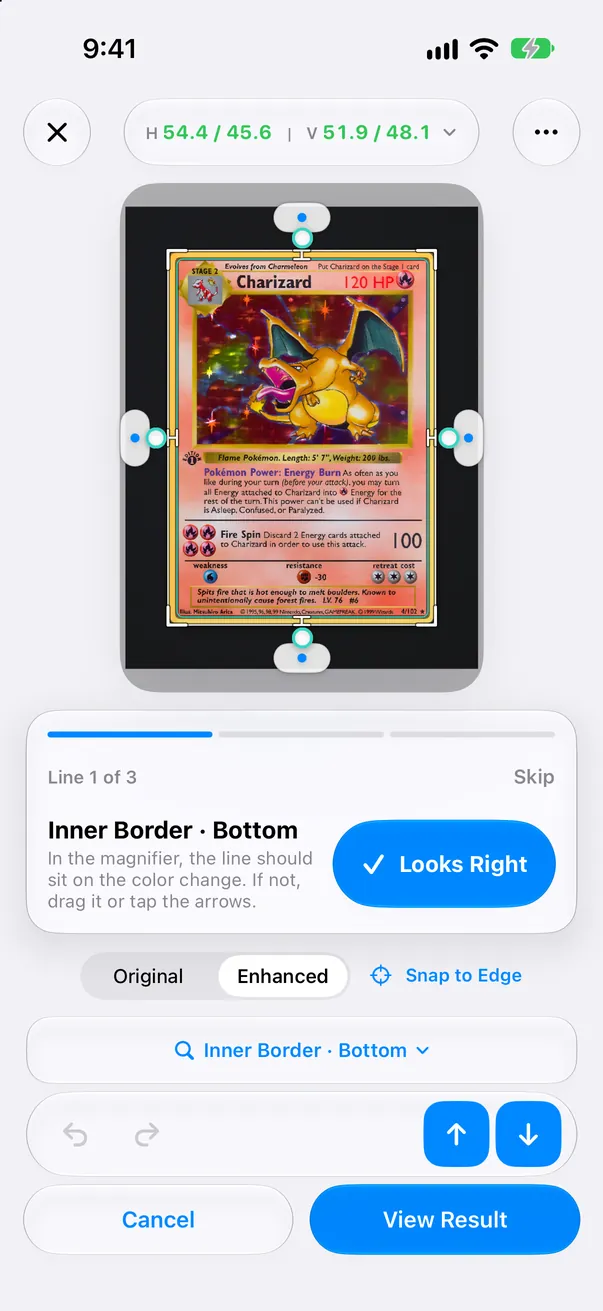
Guided line check Free
When a line needs a second look, the editor takes you through the least certain lines one at a time. The loupe jumps to each line; tap “Looks Right” to move on, or drag the line where it belongs.
Why a line needs checking Free
Each step says why in plain words: glare, blur, a dark or low-resolution photo, a mat close to the card’s edge color, or no printed border found. If a retake would fix it, the app says so.
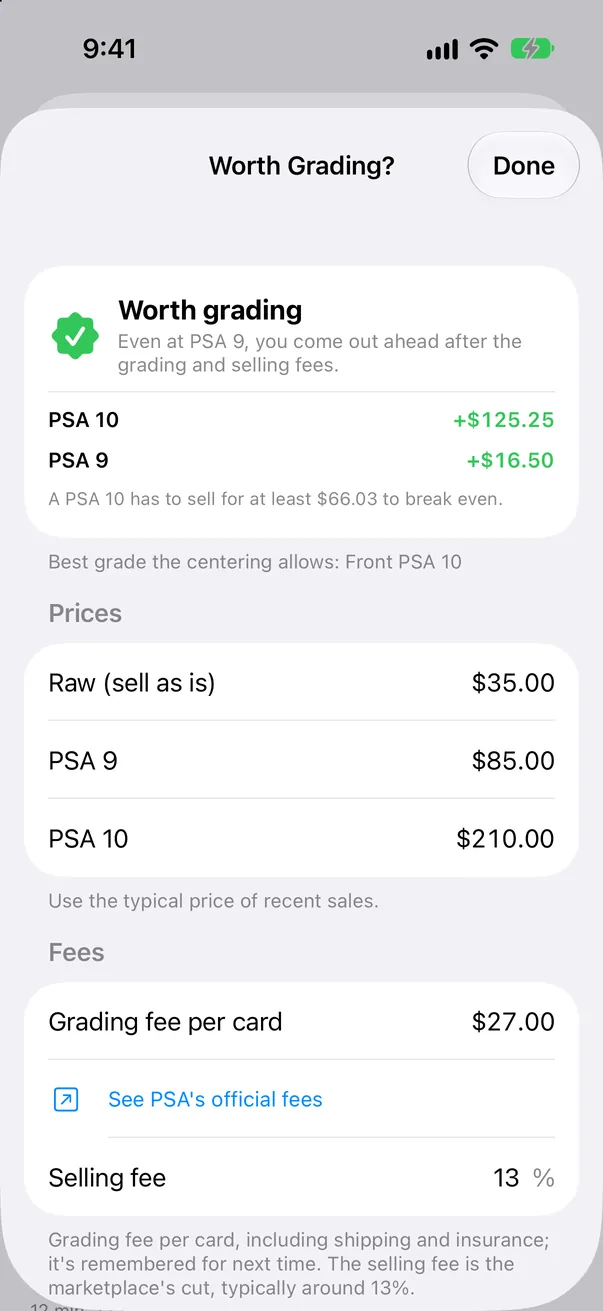
Worth Grading? Pro · 1 card free
Enter the raw, PSA 9 and PSA 10 sold prices (or the BGS and CGC equivalents), your grading fee and the selling fee. CenterMint shows how much more or less you would make than selling raw, and the lowest top-grade price that breaks even. Grades your centering cannot reach are left out. You type the prices; in Japan, one tap opens Mercari and Yahoo! Auctions sold listings.
Corner & Edge Close-ups Pro · 1 card free
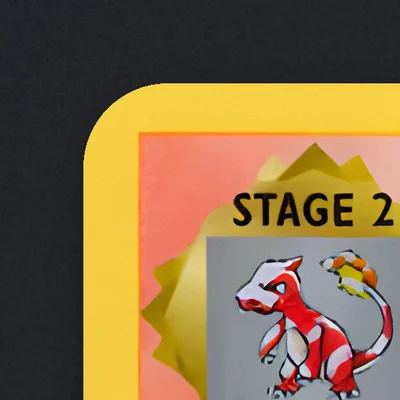
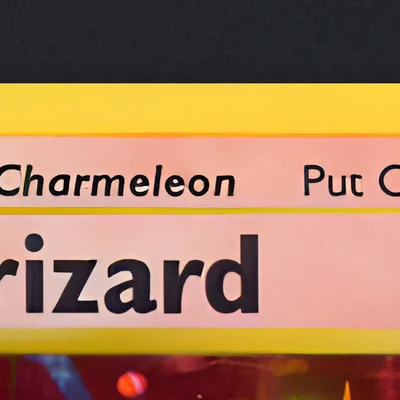
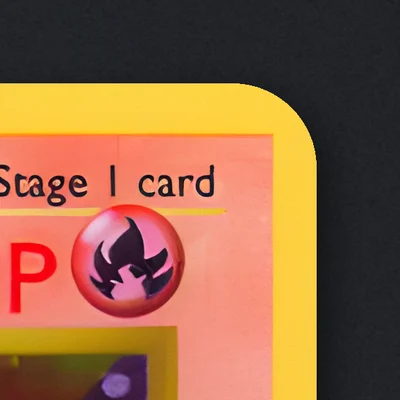
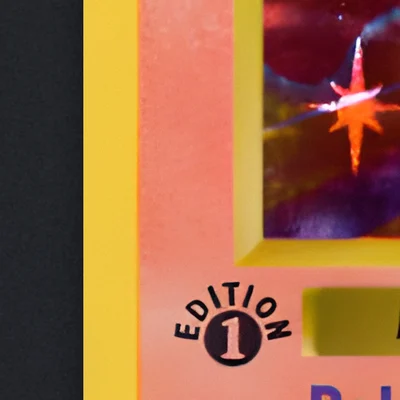
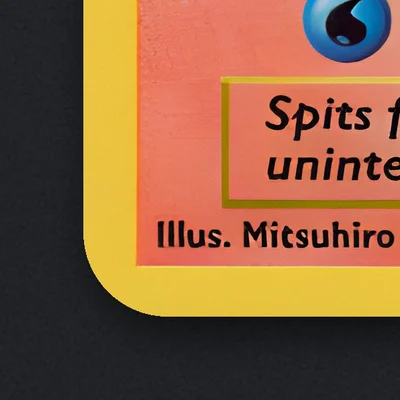
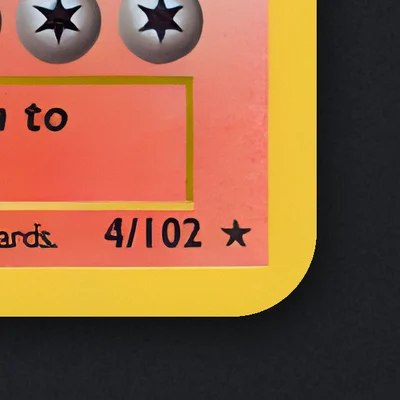
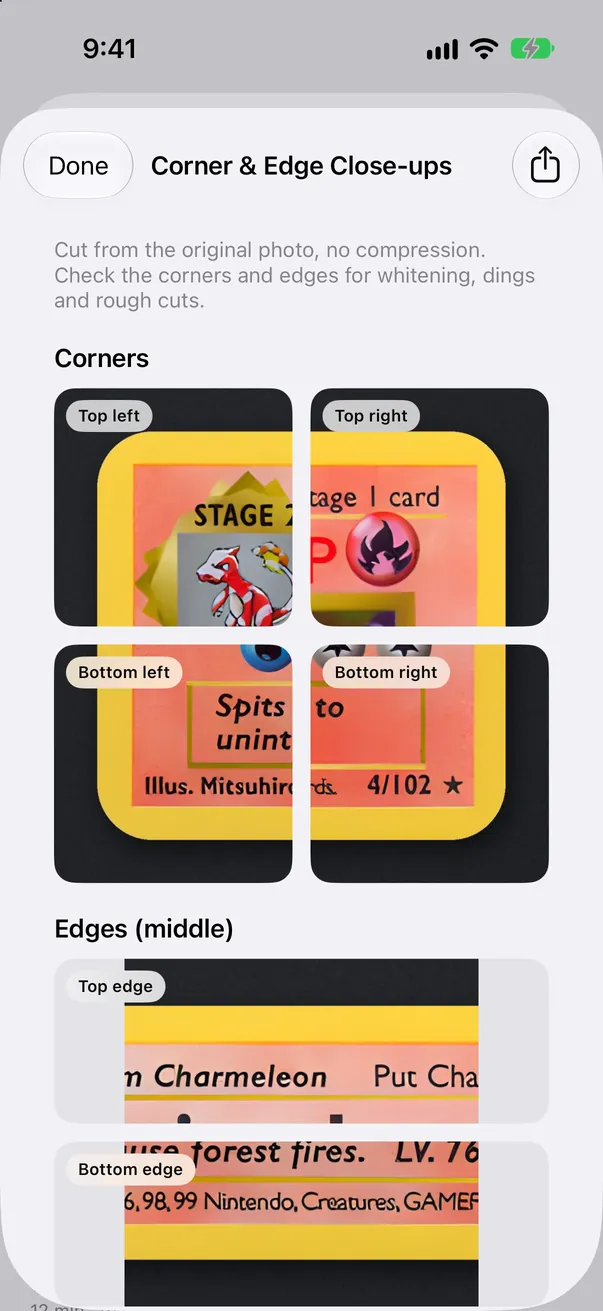
Crops all four corners and the middle of all four edges from the original photo at full resolution, so you can zoom in for whitening and dings and share a collage. The app shows the close-ups; it does not score corners or surface.
Top leftTop edgeTop rightLeft edgeRight edgeBottom leftBottom edgeBottom right
Crops from the Charizard photo at full resolution: four corners, four edges. You judge the whitening; the app does not score it.
Submission Log Pro
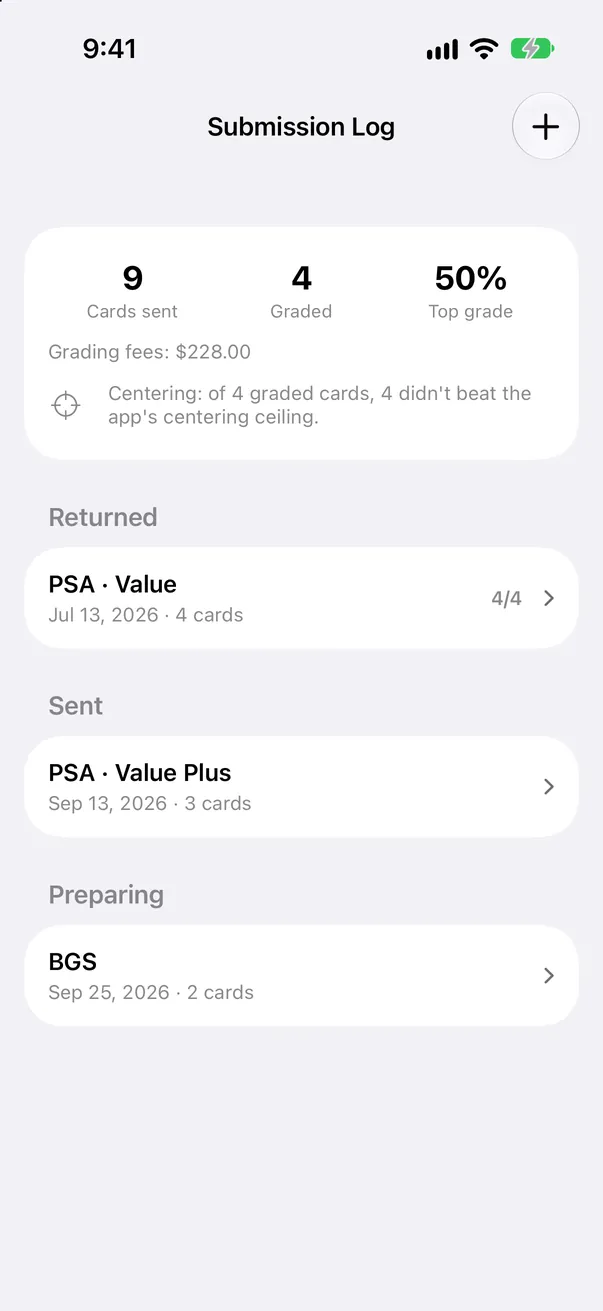
Record each submission, what it cost and the grades that came back. See your top-grade rate, total grading fees, and whether returned grades stayed within the centering ceiling the app measured.
Share images Free
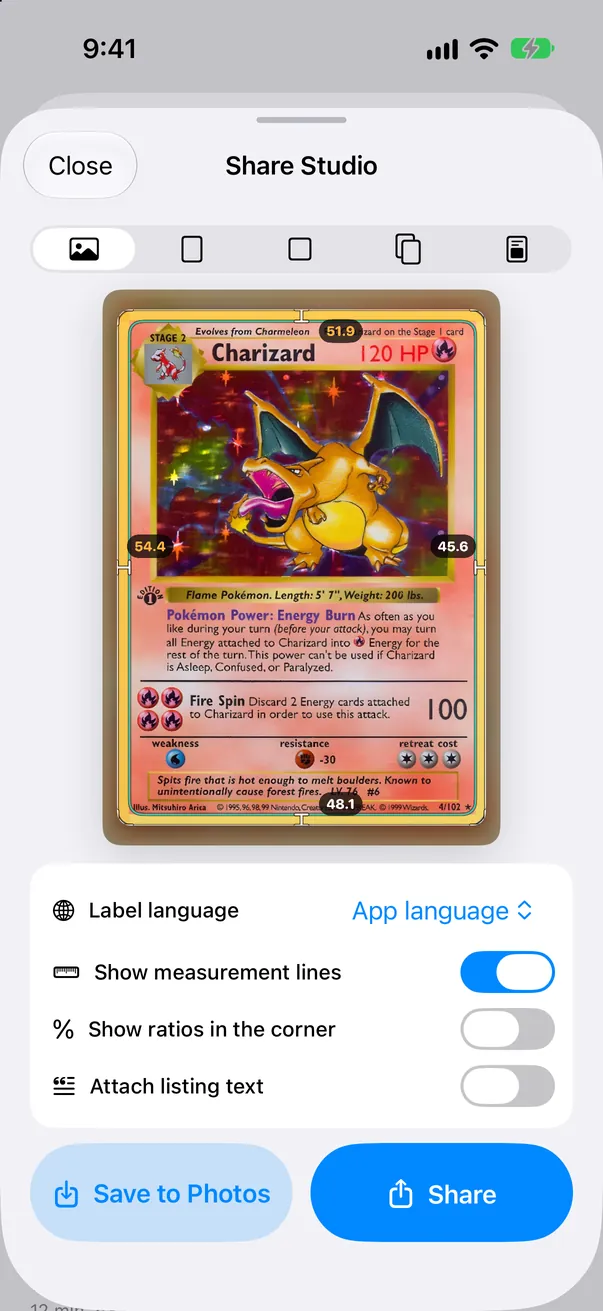
Share images put your card photo first, with a small logo in the corner.
Batch 2.0 and the decision assistant Pro
Batch 2.0 (Pro): shoot a stack in a row, show only the cards that need checking, sort by centering and save in one go. The decision assistant sorts cards into Submit, Fix first (such as an unmeasured back) and Below target, and exports a submission checklist PDF.
Submit
Fix first
Below target
Submission checklist PDF
What CenterMint does not do
It does not grade corners, edges, surface or authenticity, and it does not predict a PSA, BGS or CGC grade or the chance of a 10.
It does not guarantee a grading result. Centering references follow the published standards for comparison only. CenterMint is not affiliated with PSA, Beckett, CGC, Pokémon or any card publisher.
It does not fetch or estimate prices and does not connect to eBay. Worth Grading? uses the prices you enter.
Automatic measurement is for raw cards. On full-art cards without a printed border, the inner lines follow the art frame and the result is a reference only.
Measurement runs on your iPhone and needs no account. Card photos leave the device only if you opt in: correction sharing is off by default, and batch import asks once before uploading, which you can decline. Prices you enter and your Submission Log stay on the device. See the privacy policy for details. Privacy policy (English)
The app is available in English, Japanese, Korean, Vietnamese, Simplified Chinese and Traditional Chinese.